Summary
SaaS-style single-line text input with pill layout, grouped action buttons, and optional toolbar features. Extends FilamentTextInput — all native TextInput APIs remain available.
| Class | Bjanczak\FilamentFlexFields\Filament\Forms\Components\FlexTextInput |
| Extends | Filament\Forms\Components\TextInput |
| State type | string|null (or numeric types when using numeric(), etc.) |
| FieldType | flex_text_input |
email, password, url, phone, slug, and search when configured through FlexFieldFormBuilder.
Basic usage
Layout
- Pill-shaped track with inline prefix / suffix support
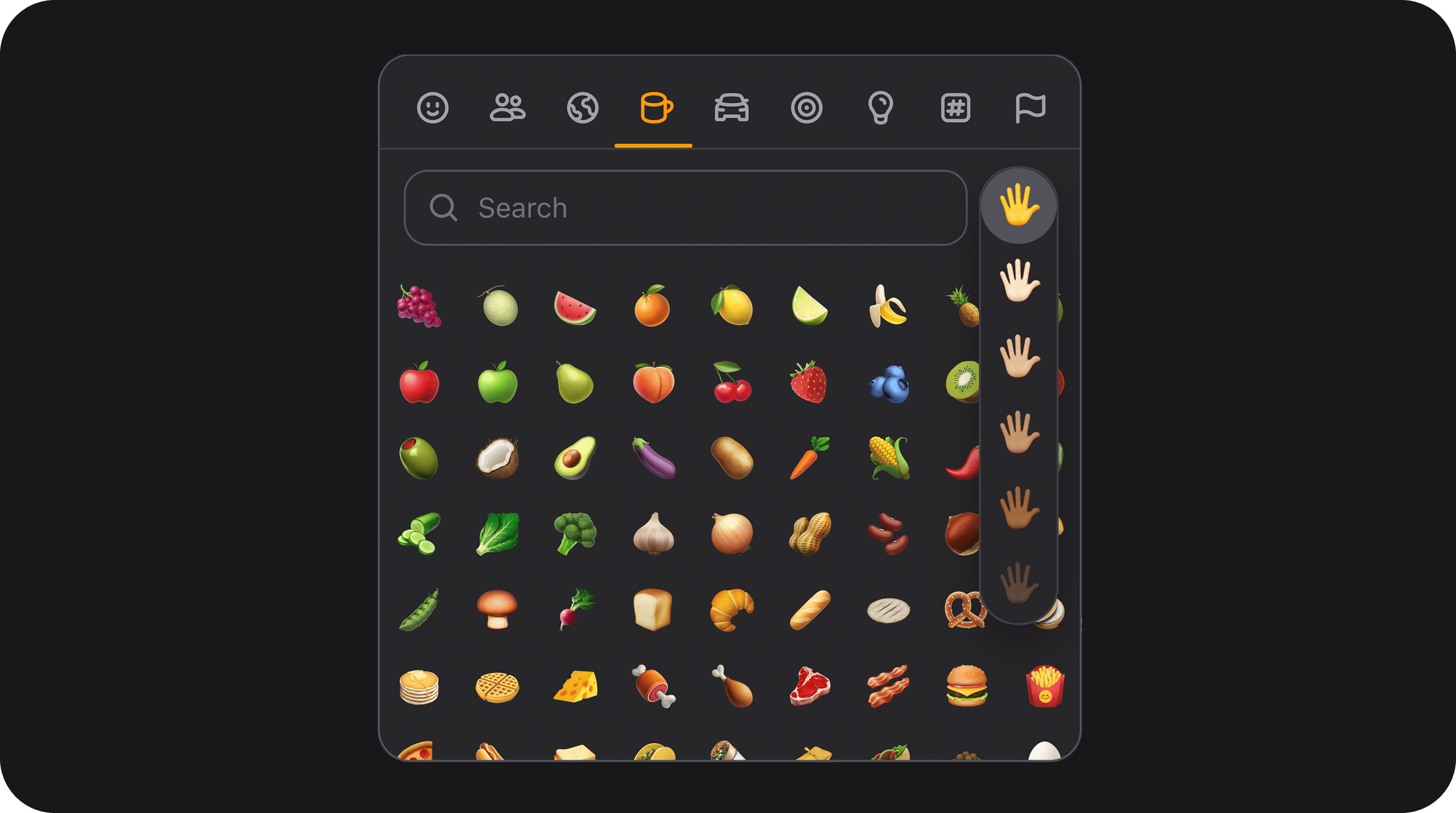
- Optional action group on the right (emoji, dictation, clear, copy, reveal, loading)
- Optional meta row below the track (character counter, password strength bar)
- Hint icon renders beside the label (not pushed to the far right)
x-load.
Custom configuration API
passwordStrengthLabels(array|Closure $labels)
Overrides the text labels shown on the password strength meter (expects 5 strings corresponding to scores 0 to 4).
Custom action icon overrides
Configure icons for text actions (copy, clear, reveal, etc.) individually:Inherited TextInput API
All standard FilamentTextInput methods work unchanged, including:
| Method | Description |
|---|---|
email() / url() / tel() / numeric() / integer() | Input type and validation helpers |
password() | Password input type |
prefix() / suffix() / prefixIcon() / suffixIcon() | Inline affixes |
mask() | Input mask via Alpine |
maxLength() / minLength() | Length constraints |
autocomplete() / autofocus() | HTML attributes |
live() / debounce() | Reactive updates |
datalist() | Browser datalist support |
FlexField schema config
| Config key | Maps to |
|---|---|
size | size() |
variant | variant() |
speech_dictation | speechDictation() |
speech_dictation_language | speechDictationLanguage() |
emoji_picker | emojiPicker() |
emoji_picker_locale | emojiPickerLocale() |
character_counter | characterCounter() |
clearable | clearable() |
loading | loading() |
validating | validating() |
verification_status | verificationStatus() |
verification_status_icon | verificationStatusIcon() |
verification_status_color | verificationStatusColor() |
password_strength | passwordStrength() |
Public helper methods
| Method | Returns | Description |
|---|---|---|
calculatePasswordStrength(string $password) | array<score: int, label: string, percent: float|int> | Password strength score 0–4, human label (Very weak … Strong), and fill percent (score / 4 × 100). Empty password returns score 0, empty label, percent 0. Used by the strength bar meta row. |